 GameMerging AI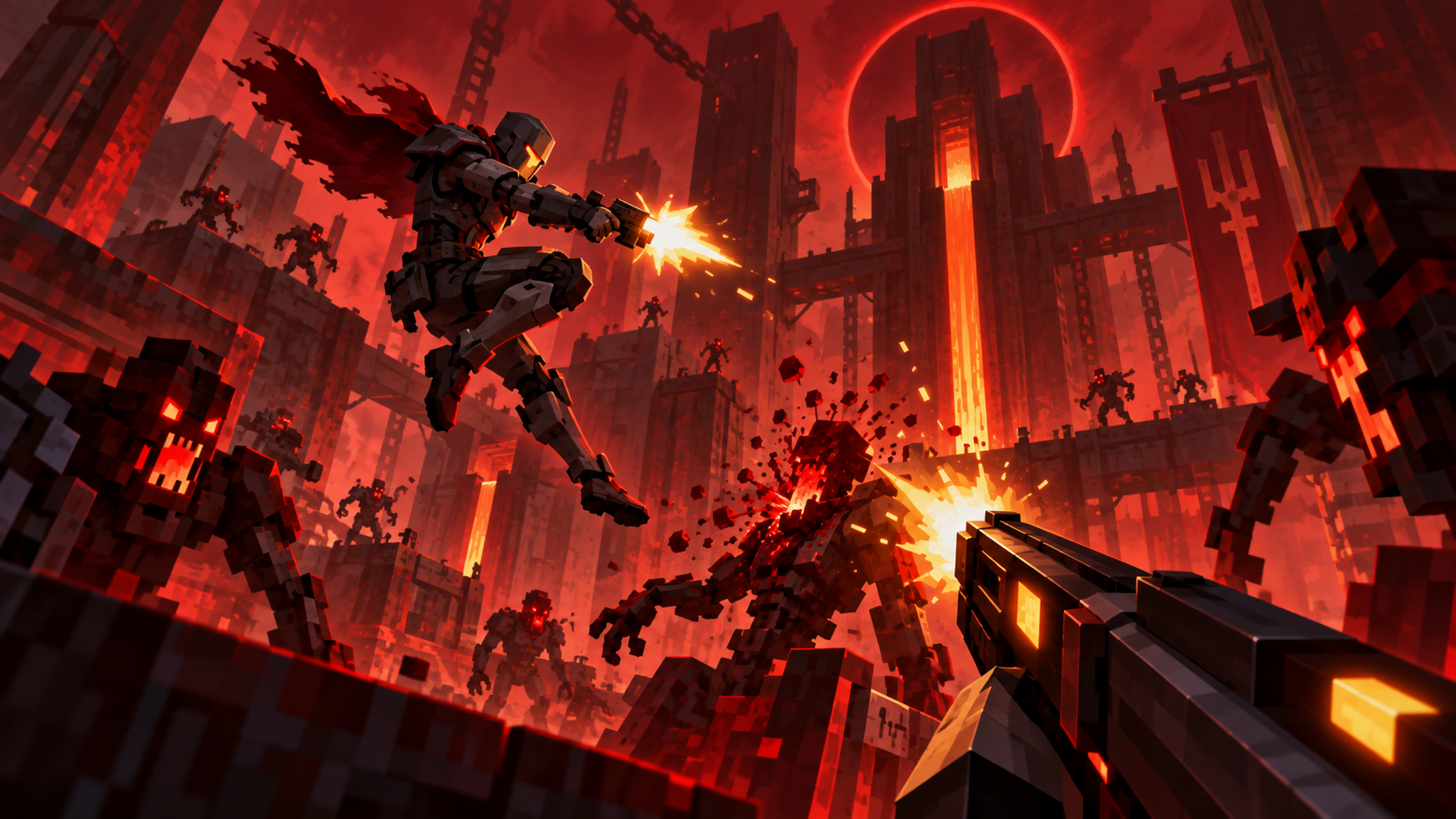
What you can do
- Explore and fight in a Minecraft world using ULTRAKILL-style movement, weapons, enemies and arenas.
- Switch between V1 and the normal Minecraft player using F8.
- Play with friends when each player owns both games and has the matching mods. See the creator README (opens in a new tab) for host and guest requirements.
Where to get it
The creator publishes Ultracraft releases on GitHub (opens in a new tab). The easiest installation routes described by the creator are its Modrinth .mrpack or CurseForge profile ZIP. These are alternative imports; choose one app and follow the corresponding instructions. GameMerging AI has not installed or run this build.
Before you install
You need a Windows PC, ULTRAKILL on Steam and Minecraft: Java Edition. The creator README (opens in a new tab) specifies Minecraft 1.21.11, Fabric and the bridge into ULTRAKILL; the imported pack supplies the listed Minecraft-side mods. Keep Steam running so Ultracraft can find your ULTRAKILL installation.
First check
Launch the imported Minecraft profile, open a world and check that ULTRAKILL connects. If it cannot find the game or stalls while loading, use the current README's troubleshooting instructions and compare your Minecraft loader and ULTRAKILL installation.
Next: Browse All Mashups · How to Combine Games with AI
Sources checked October 14, 2026. Creator documentation describes intended behavior; this guide does not guarantee compatibility.